
206 lines
8.6 KiB
Markdown
206 lines
8.6 KiB
Markdown
# Geeker-Admin
|
||
|
||
### 介绍 📖
|
||
|
||
Geeker-Admin 一款基于 Vue3.2、TypeScript、Vite3、Pinia、Element-Plus 开源的后台管理框架,使用目前最新技术栈开发。项目提供强大的 [ProTable](https://juejin.cn/post/7166068828202336263) 组件,在一定程度上节省您的开发效率。另外本项目还封装了一些常用组件、Hooks、指令、动态路由、按钮级别权限控制等功能。
|
||
|
||
### 在线预览 👀
|
||
|
||
- Link:https://admin.spicyboy.cn
|
||
|
||
### 代码仓库 ⭐
|
||
|
||
- Gitee:https://gitee.com/laramie/Geeker-Admin
|
||
- GitHub:https://github.com/HalseySpicy/Geeker-Admin
|
||
|
||
### 项目文档 📚
|
||
|
||
- 项目更新日志:[CHANGELOG.md](./CHANGELOG.md)
|
||
|
||
- 项目文档地址(持续更新中):https://docs.spicyboy.cn
|
||
|
||
### 项目功能 🔨
|
||
|
||
- 使用 Vue3.2 + TypeScript 开发,单文件组件**< script setup >**
|
||
- 采用 Vite3 作为项目开发、打包工具(配置 Gzip 打包、TSX 语法、跨域代理……)
|
||
- 使用 Pinia 替代 Vuex,轻量、简单、易用, 集成 Pinia 持久化插件
|
||
- 使用 TypeScript 对 Axios 整个二次封装 (请求拦截、常用请求封装……)
|
||
- 基于 Element 二次封装 [ProTable](https://juejin.cn/post/7166068828202336263) 组件,表格页面全部为配置项 columns
|
||
- 支持 Element 组件大小切换、暗黑模式、i18n 国际化
|
||
- 使用 VueRouter 进行路由权限拦截、页面按钮权限配置、路由懒加载
|
||
- 使用 keepAlive 对页面进行缓存,支持多级嵌套页面缓存
|
||
- 常用自定义指令开发(权限、复制、水印、拖拽、节流、防抖、长按……)
|
||
- 使用 Prettier 统一格式化代码,集成 Eslint、Stylelint 代码校验规范
|
||
- 使用 husky、lint-staged、commitlint、commitizen、cz-git 规范提交信息
|
||
|
||
### 安装使用步骤 📔
|
||
|
||
- **Clone:**
|
||
|
||
```text
|
||
# Gitee
|
||
git clone https://gitee.com/laramie/Geeker-Admin.git
|
||
# GitHub
|
||
git clone https://github.com/HalseySpicy/Geeker-Admin.git
|
||
```
|
||
|
||
- **Install:**
|
||
|
||
```text
|
||
npm install
|
||
|
||
# npm install 安装失败,请升级 nodejs 到 16 以上,或尝试使用以下命令:
|
||
npm install --registry=https://registry.npm.taobao.org
|
||
```
|
||
|
||
- **Run:**
|
||
|
||
```text
|
||
npm run dev
|
||
npm run serve
|
||
```
|
||
|
||
- **Build:**
|
||
|
||
```text
|
||
# 开发环境
|
||
npm run build:dev
|
||
|
||
# 测试环境
|
||
npm run build:test
|
||
|
||
# 生产环境
|
||
npm run build:pro
|
||
```
|
||
|
||
- **Lint:**
|
||
|
||
```text
|
||
# eslint 检测代码
|
||
npm run lint:eslint
|
||
|
||
# prettier 格式化代码
|
||
npm run lint:prettier
|
||
|
||
# stylelint 格式化样式
|
||
npm run lint:stylelint
|
||
```
|
||
|
||
- **commit:**
|
||
|
||
```text
|
||
# 提交代码(提交前会自动执行 lint:lint-staged 命令)
|
||
npm run commit
|
||
```
|
||
|
||
### 项目截图 📷
|
||
|
||
- 登录页:
|
||
|
||

|
||
|
||

|
||
|
||
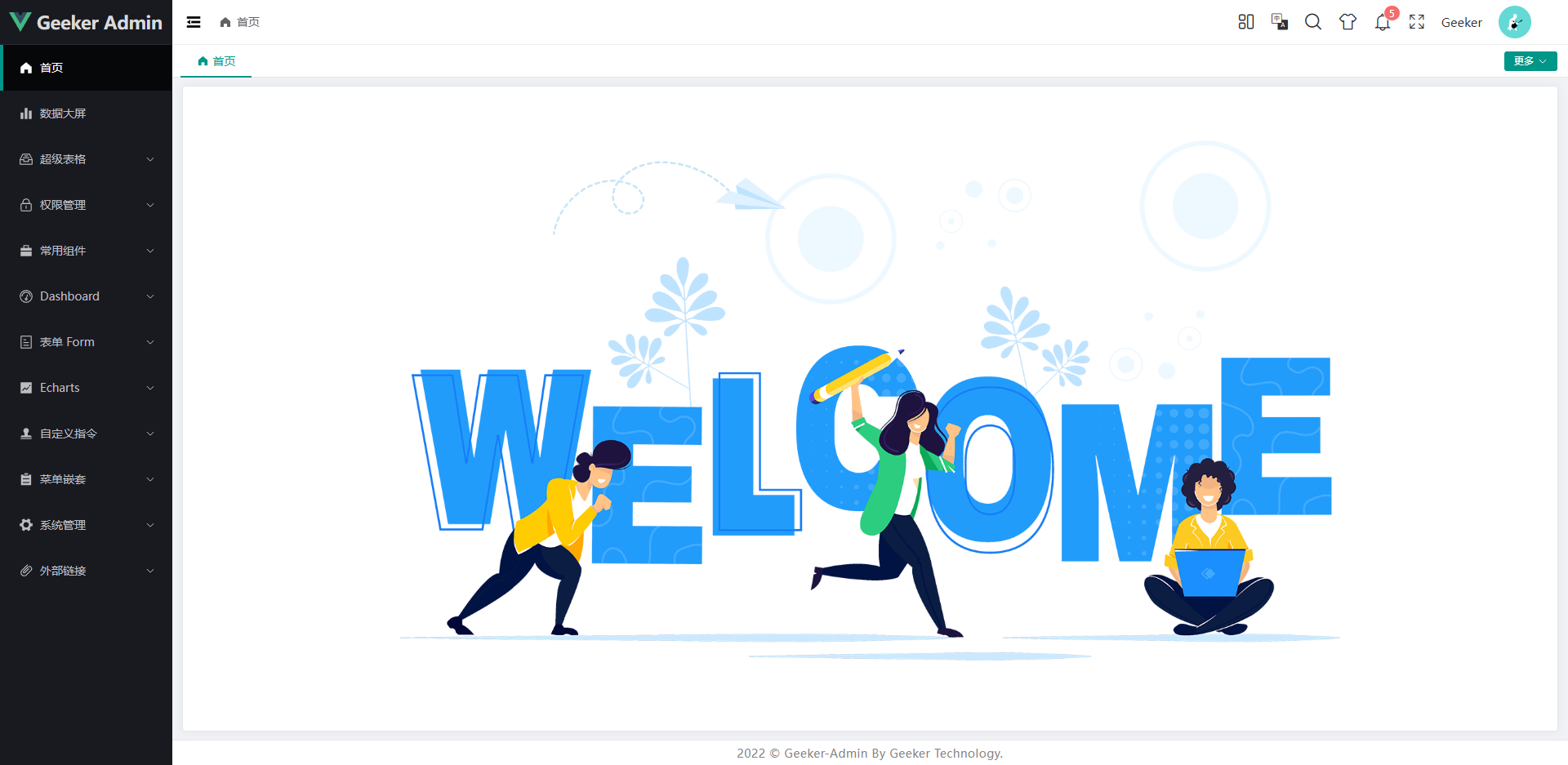
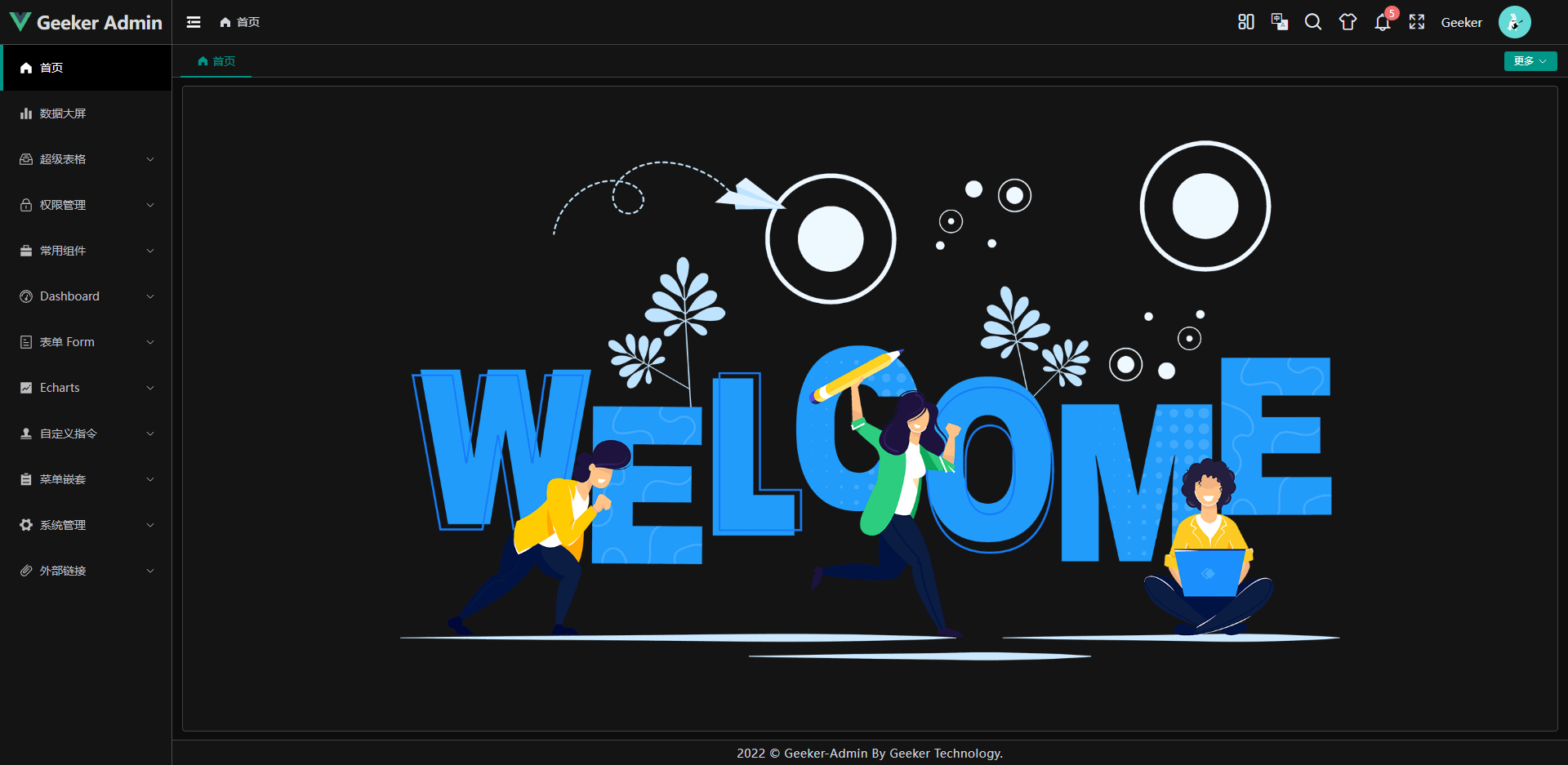
- 首页:
|
||
|
||
|
||
|
||
|
||
|
||
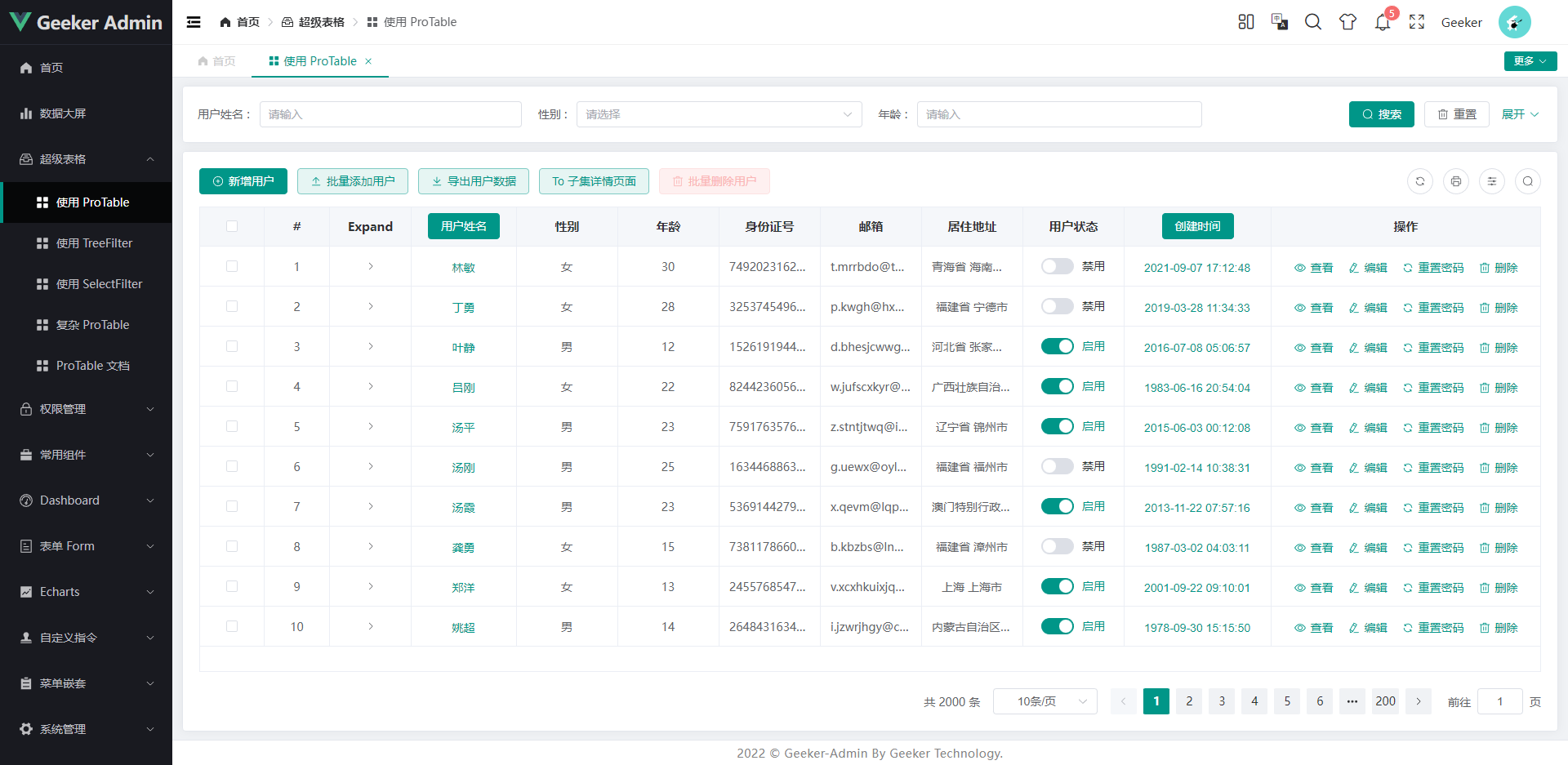
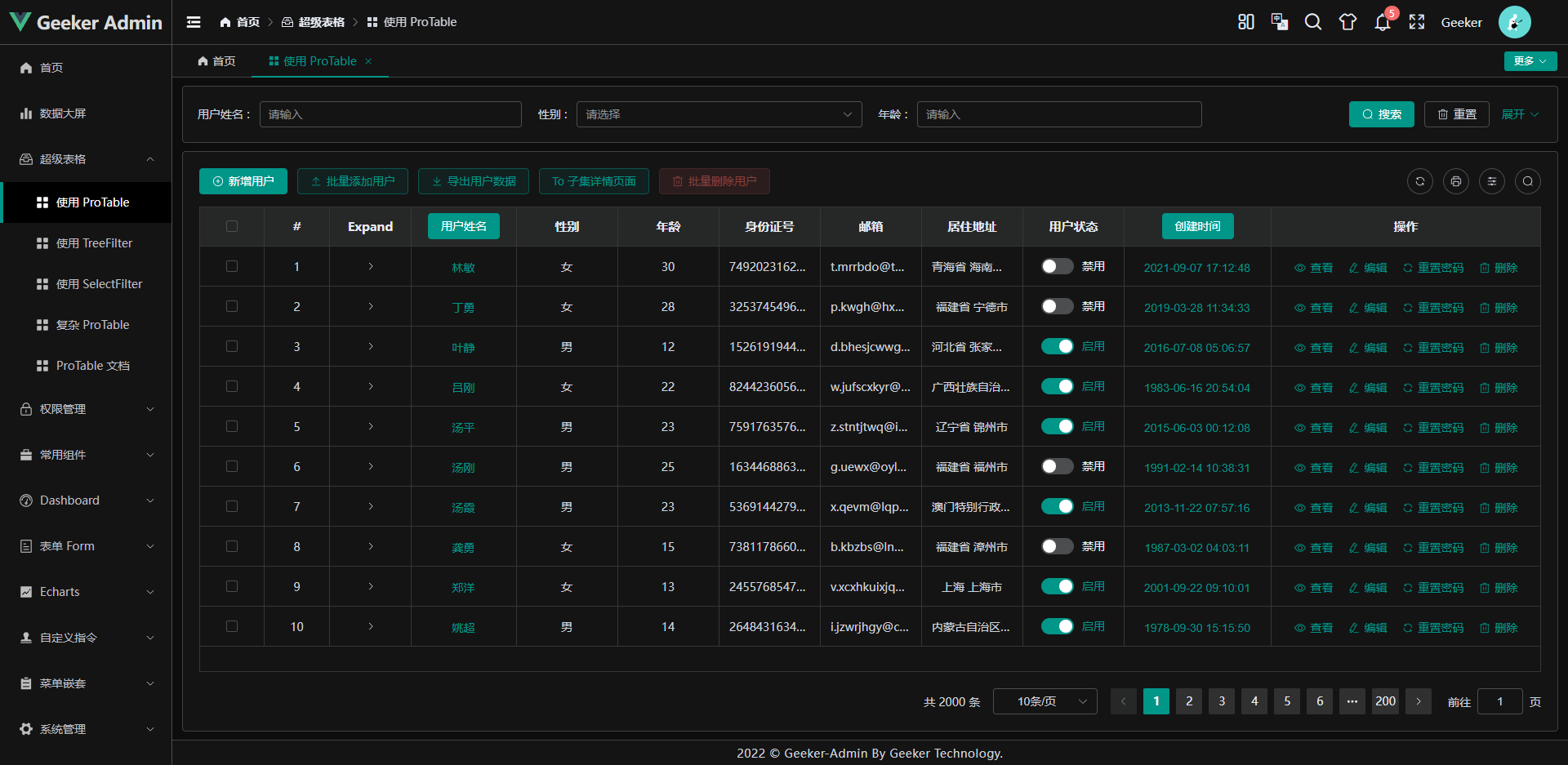
- 表格页:
|
||
|
||
|
||
|
||
|
||
|
||
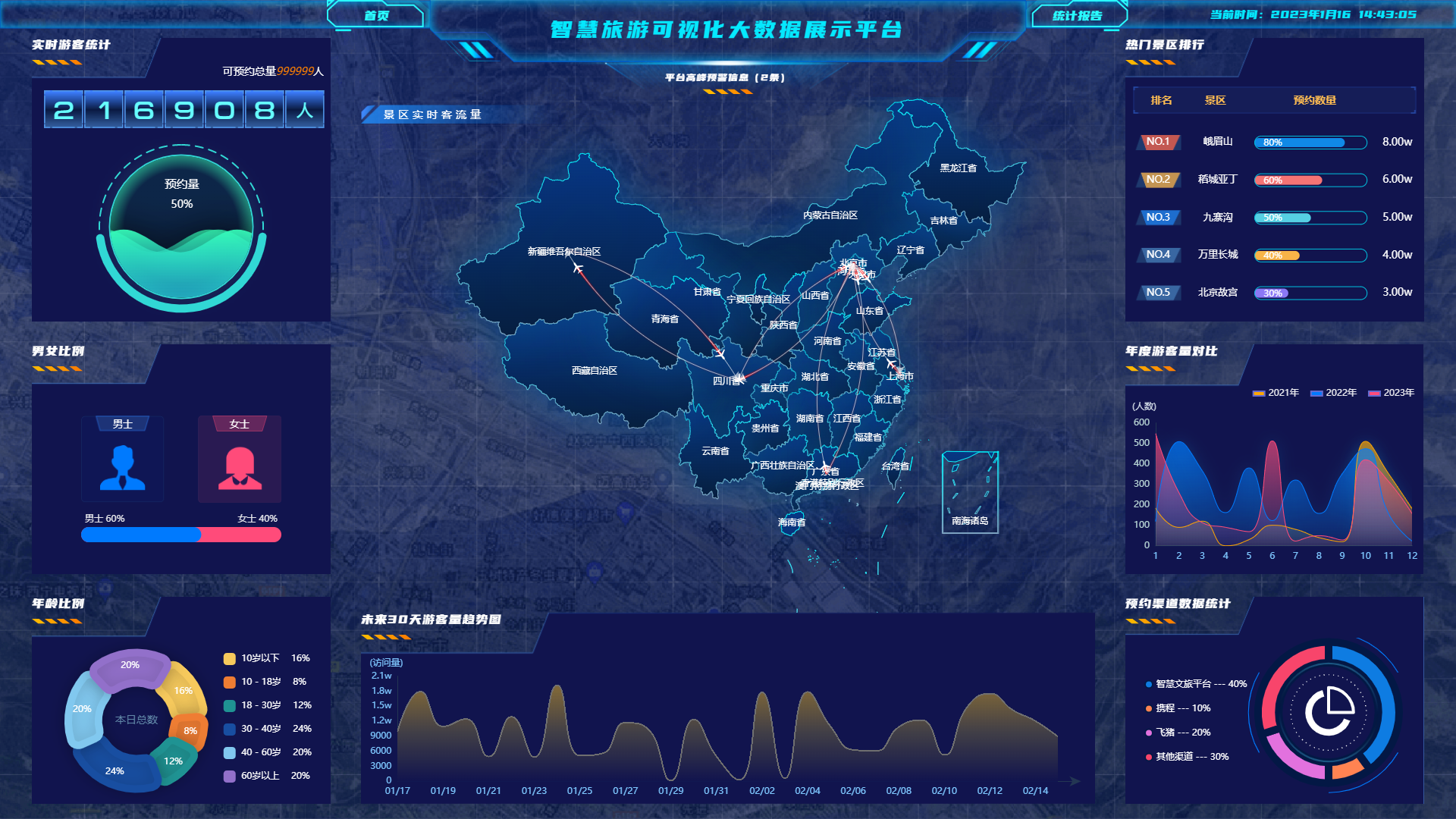
- 数据大屏:
|
||
|
||
|
||
|
||
### 文件资源目录 📚
|
||
|
||
```text
|
||
Geeker-Admin
|
||
├─ .husky # husky 配置文件
|
||
├─ .vscode # VSCode 推荐配置
|
||
├─ public # 静态资源文件(该文件夹不会被打包)
|
||
├─ src
|
||
│ ├─ api # API 接口管理
|
||
│ ├─ assets # 静态资源文件
|
||
│ ├─ components # 全局组件
|
||
│ ├─ config # 全局配置项
|
||
│ ├─ directives # 全局指令文件
|
||
│ ├─ enums # 项目常用枚举
|
||
│ ├─ hooks # 常用 Hooks 封装
|
||
│ ├─ languages # 语言国际化 i18n
|
||
│ ├─ layouts # 框架布局模块
|
||
│ ├─ routers # 路由管理
|
||
│ ├─ stores # pinia store
|
||
│ ├─ styles # 全局样式文件
|
||
│ ├─ typings # 全局 ts 声明
|
||
│ ├─ utils # 常用工具库
|
||
│ ├─ views # 项目所有页面
|
||
│ ├─ App.vue # 项目主组件
|
||
│ ├─ env.d.ts # 指定 ts 识别 vue
|
||
│ └─ main.ts # 项目入口文件
|
||
├─ .editorconfig # 统一不同编辑器的编码风格
|
||
├─ .env # vite 常用配置
|
||
├─ .env.development # 开发环境配置
|
||
├─ .env.production # 生产环境配置
|
||
├─ .env.test # 测试环境配置
|
||
├─ .eslintignore # 忽略 Eslint 校验
|
||
├─ .eslintrc.js # Eslint 校验配置文件
|
||
├─ .gitignore # 忽略 git 提交
|
||
├─ .prettierignore # 忽略 Prettier 格式化
|
||
├─ .prettierrc.js # Prettier 格式化配置
|
||
├─ .stylelintignore # 忽略 stylelint 格式化
|
||
├─ .stylelintrc.js # stylelint 样式格式化配置
|
||
├─ CHANGELOG.md # 项目更新日志
|
||
├─ commitlint.config.js # git 提交规范配置
|
||
├─ index.html # 入口 html
|
||
├─ LICENSE # 开源协议文件
|
||
├─ lint-staged.config # lint-staged 配置文件
|
||
├─ package-lock.json # 依赖包包版本锁
|
||
├─ package.json # 依赖包管理
|
||
├─ postcss.config.js # postcss 配置
|
||
├─ README.md # README 介绍
|
||
├─ STANDARD.md # 项目编码规范说明书
|
||
├─ tsconfig.json # typescript 全局配置
|
||
└─ vite.config.ts # vite 全局配置文件
|
||
```
|
||
|
||
### 浏览器支持 🌎
|
||
|
||
- 本地开发推荐使用 Chrome 最新版浏览器 [Download](https://www.google.com/intl/zh-CN/chrome/)。
|
||
- 生产环境支持现代浏览器,不在支持 IE 浏览器,更多浏览器可以查看 [Can I Use Es Module](https://caniuse.com/?search=ESModule)。
|
||
|
||
|  |  |  |  |  |
|
||
| :-------------------------------------------------------------------------------------------------------------------------------------: | :-------------------------------------------------------------------------------------------: | :----------------------------------------------------------------------------------------------------: | :-------------------------------------------------------------------------------------------------: | :-------------------------------------------------------------------------------------------------: |
|
||
| not support | last 2 versions | last 2 versions | last 2 versions | last 2 versions |
|
||
|
||
### 项目后台接口 🧩
|
||
|
||
项目后台接口完全采用 Mock 数据,感谢以下 Mock 平台支持:
|
||
|
||
- FastMock: https://www.fastmock.site
|
||
- EasyMock:https://mock.mengxuegu.com
|
||
|
||
### 微信交流群 👨👨👦👦
|
||
|
||
微信一群、二群已满,请扫描下面二维码加入微信群 🤪
|
||
|
||
| 微信群二维码 |
|
||
| :------------------------------------------------------------: |
|
||
| <img src="https://i.imgtg.com/2023/02/27/VB1fb.png" width=170> |
|
||
|
||
### 捐赠 🍵
|
||
|
||
如果你正在使用这个项目或者喜欢这个项目的,可以通过以下方式支持我:
|
||
|
||
- Star、Fork、Watch 一键三连 🚀
|
||
- 通过微信、支付宝一次性捐款 ❤
|
||
|
||
| 微信 | 支付宝 |
|
||
| :--------------------------------------------------------------------------------: | :--------------------------------------------------------------------------------: |
|
||
| <img src="https://i.imgtg.com/2023/01/16/QRzBX.png" alt="Alipay QRcode" width=170> | <img src="https://i.imgtg.com/2023/01/16/QRFZt.png" alt="Wechat QRcode" width=170> |
|